Looks like the website was hacked. Only a minor change to the title. Not entirely sure how it happened. Not a great deal in the logs, though I’m not sure when it happened either. Hoepfully I’ve fixed it now but we shall see!
Windows 8 & netapp cifs
http://support.microsoft.com/kb/2686098
Set-ItemProperty -Path “HKLM:\SYSTEM\CurrentControlSet\Services\LanmanWorkstation\Parameters” RequireSecureNegotiate -Value 0 -Force
Not sure why this works, or what combination of signing on not signing makes it work…
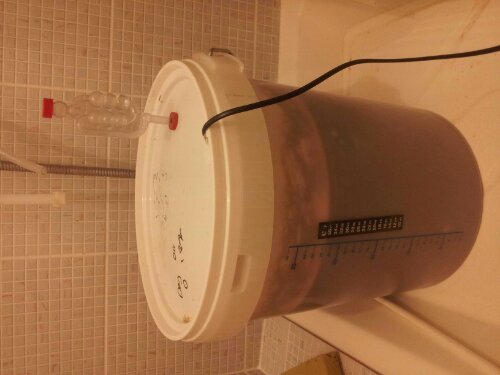
Bubbling
2003 P to V 100% CPU
I been ahving issues with a P to V recently where the CPU is pegged at 100% shortly after boot, making it impossible to login or do anything. I gave it more RAM and somehow managed to log in and fire up task manager before the madness started. I killed the offending tasks and had a look through the services to see which one was no longer running. It turns out that “HP Insight Foundataion Agent” was the culprit. I’ve disabled this along with al the other HP Agents and things seem fine. It was a pretty old version we were running, and it might be fixed in a newer one. However they serve no purpose now it’s a VM so disabling them is probably a good thing either way.
6570b bitlocker tpm enable
I was having a lot of trouble enabling the TPM in my task sequence in SCCM for the 6570b. Using the biosconfigutility part of SP52095 I discovered that HP have for some inexplicable reason, changed the command to enable the TPM.
OLD:
Activate Embedded Security On Next Boot
Disable
*Enable
NEW
Activate TPM On Next Boot
Disable
*Enable
To be safe, I’d do a /getconfig and makesure that everything else is right. They’ve changed a few other “Embedded security” tags to be simply “TPM” instead.